
Pricing Import
1 – If needed login to your dashboard and go to Products > Export and export your current product data. Add in any information needed.
2 – If you already have a file you created please click here to download the correct template to upload to the website.
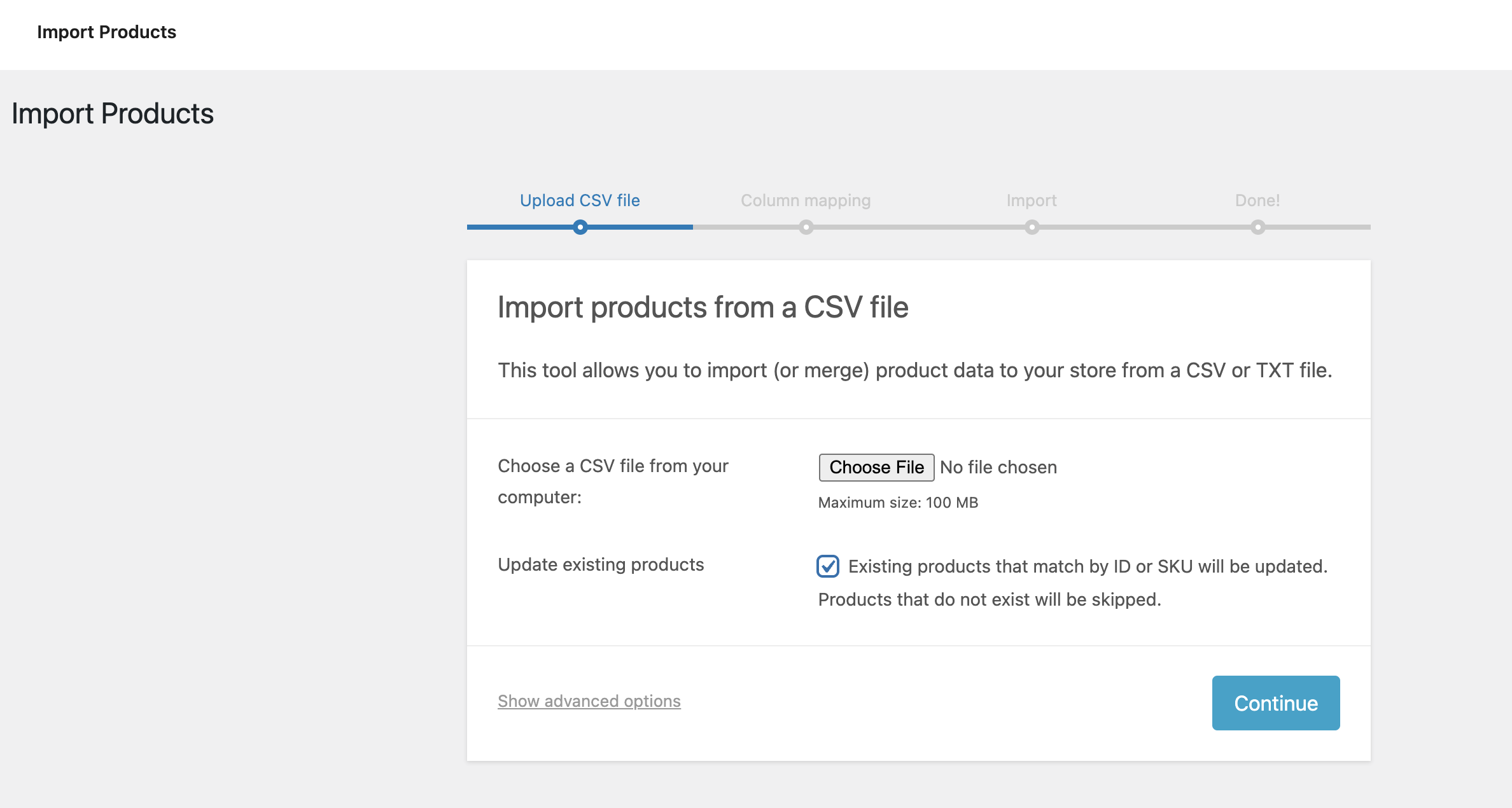
3 – Login to your dashboard and go to Products > Import

4 – Click on import button and follow instructions. Ensure that “update existing products” is checked.
5 – Make sure mapping in your file matches what is displayed in the instructions.
6 – Wait for upload to complete (this could take some time depending on how many items are being updated).